Recently I’ve bought a Wacom tablet, which for those who don’t know, is basically just a tablet that allows you to use your desktop through a stylus. For the even more reduced group of people that don’t know what I mean by
stylus, basically I have a pen that I can use to, through absolute positioning (opposite to a mouse, where you just drag relative to where you are), move
my cursor. If I put the pen in the rightmost top corner of the tablet, the cursor instantly moves to the rightmost top corner.
These kinds of tablets allow one to draw and/or make diagrams. I bought it for the former one, making diagrams or annotations, although based on the title of this post you may notice this didn’t last much…
Well, I am using CTRL+Paint right now, a series of free videos which teach digital painting and, also very importantly, art skills. For now, I’ve been following the “CTRL+Paint Unplugged” series, which is just a general introduction into painting as a whole, traditional painting that is.
On a note, I have to admit I’ve been “cheating” by using my tablet to complete the series, though it isn’t much different to just doing it on pen & paper, plus I don’t have the space & time to do it traditionally and it allows me to more easily compare my drawings to the references I use.
After unplugged (which I might consider finishing traditionally if I see digital is distracting me too much from the objective), I will continue with a LOT of other videos about different drawing techniques, one at a time in 5-minute videos each, this time mean to be digitally completed (I think; didn’t really check if they were).
I’ve not made much of that to be honest, maybe because I STARTED YESTERDAY!!! But, I did learn some helpful things and, most importantly, got damn homework.
Basically I just have to draw 20 phones (any boxy object works really, I plan to use a staple box) in different angles. I’ll probably do this through a technique I’ve learned from some random guy in CTRL+Paint’s comments whose name I don’t nor will remember soon enough, which is basically:
Make a picture of the boxy object from an angle.
Draw the object’s outline as best as I can, applying the technique the video teaches, which is visual measuring of angles through using your pen as best as I can.
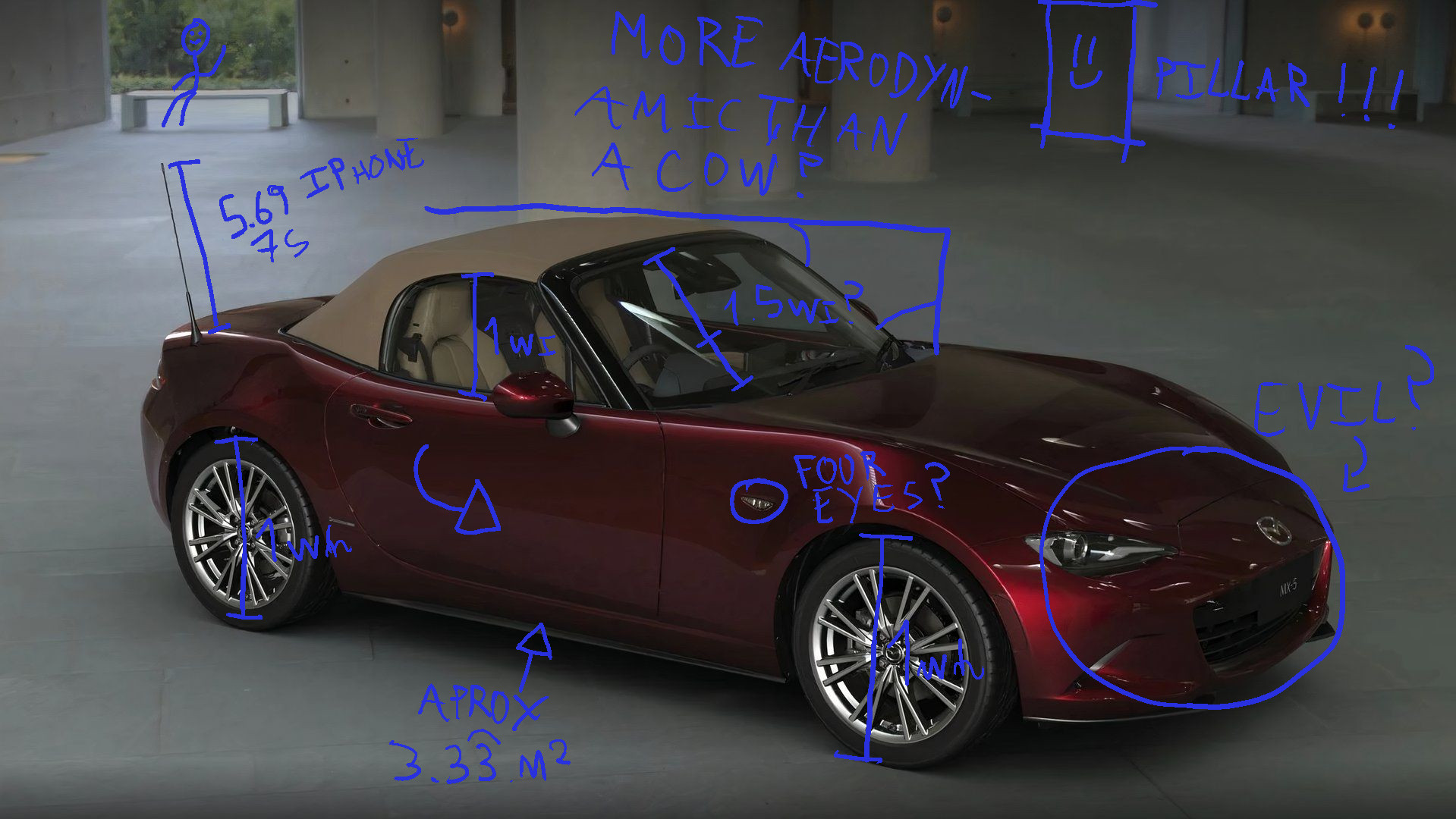
Overlay the drawing in a slightly less opaque version of the picture and, with different colors, point out the errors I’ve made to not make them again in the next attempts.
This method allows me to quickly learn this technique, which is one of the most important (I think) after proportion visual measuring, as when doing a still life you want to make it as accurate as possible, and angles are a really important part. Even when NOT making still lifes, being able to correctly measure angles will allow to better draw things from reference.
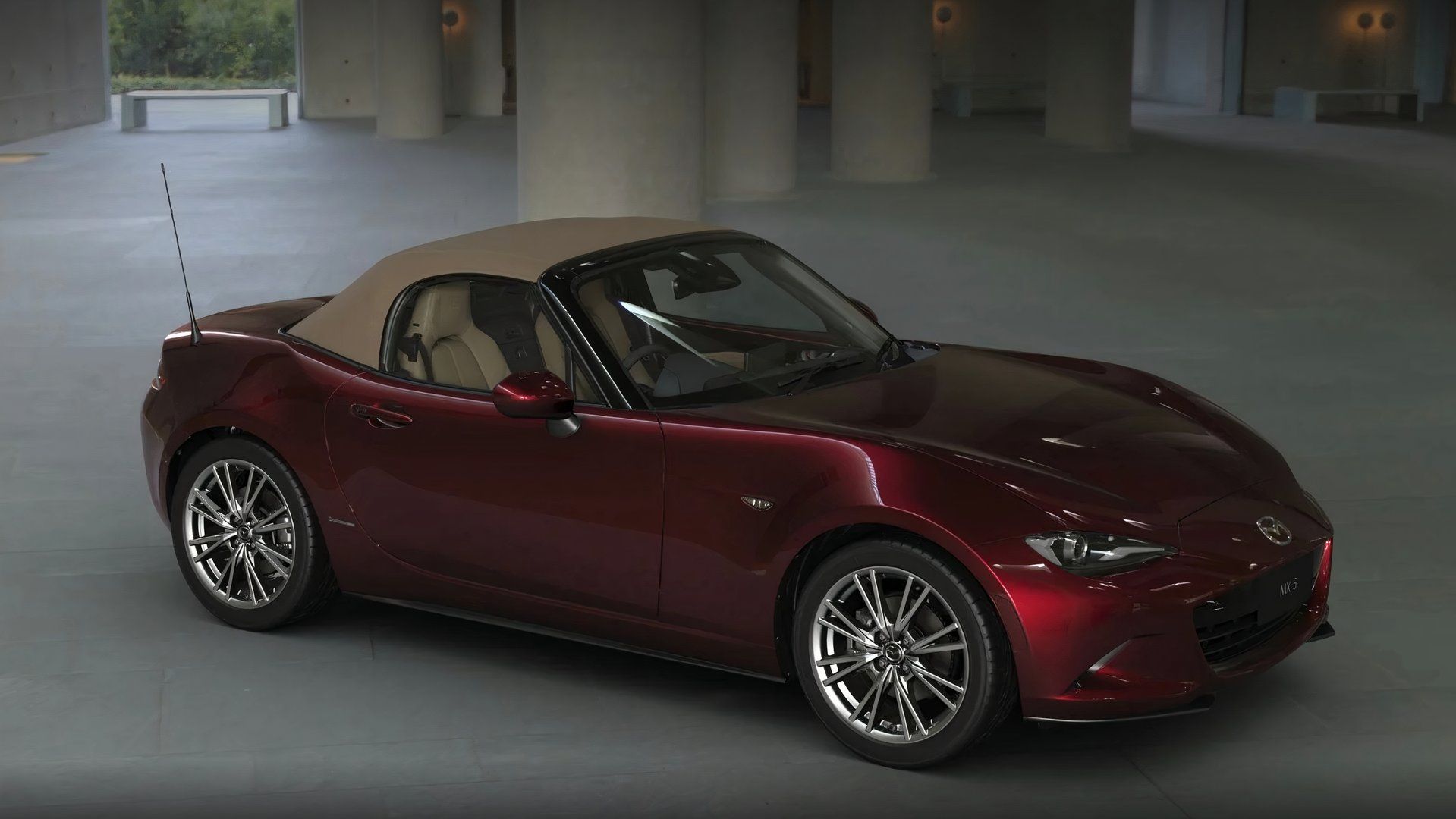
Take you draw a Mazda MX-5 from a reference picture, but from a different point of view. If you want to really get it right, you need:
To, even rotated, make all angles correct so it is not only more accurate, but more natural to the human eye.
To nail the proportions of the car, measuring correctly the sizes and applying them with as much accuracy as possible to your drawing.
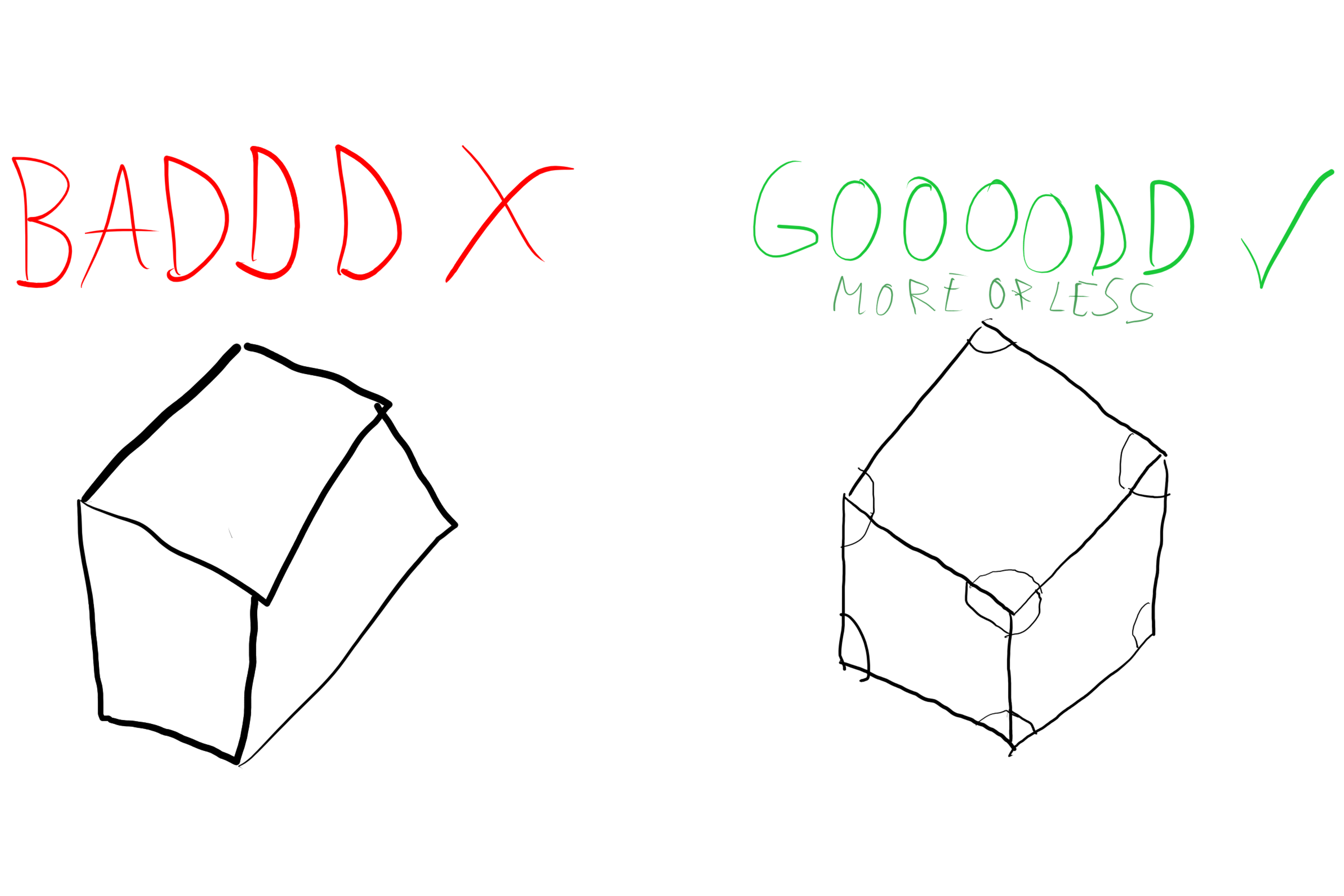
VERY important note: this is what I think as no real artist has told me this, I've implied this information from what I've heard and from what I see... with my eyes... I mean, if I don't really nail the angles it looks weird, like shitty cube drawings.
Cubes. Overly exaggerated. Based on real life.
Lovely car.How I imagine real artist annotations.
For now, I don’t have any photos, but the moment I do I will post them here, most likely after completing both the angle visual measuring and proportion visual measuring tutorials.